5. Create credentials
Applications authenticate to the gateway with an OAuth 2.0 client — a
client_id and client_secret pair. Credentials are created per workspace
and belong to your organization.
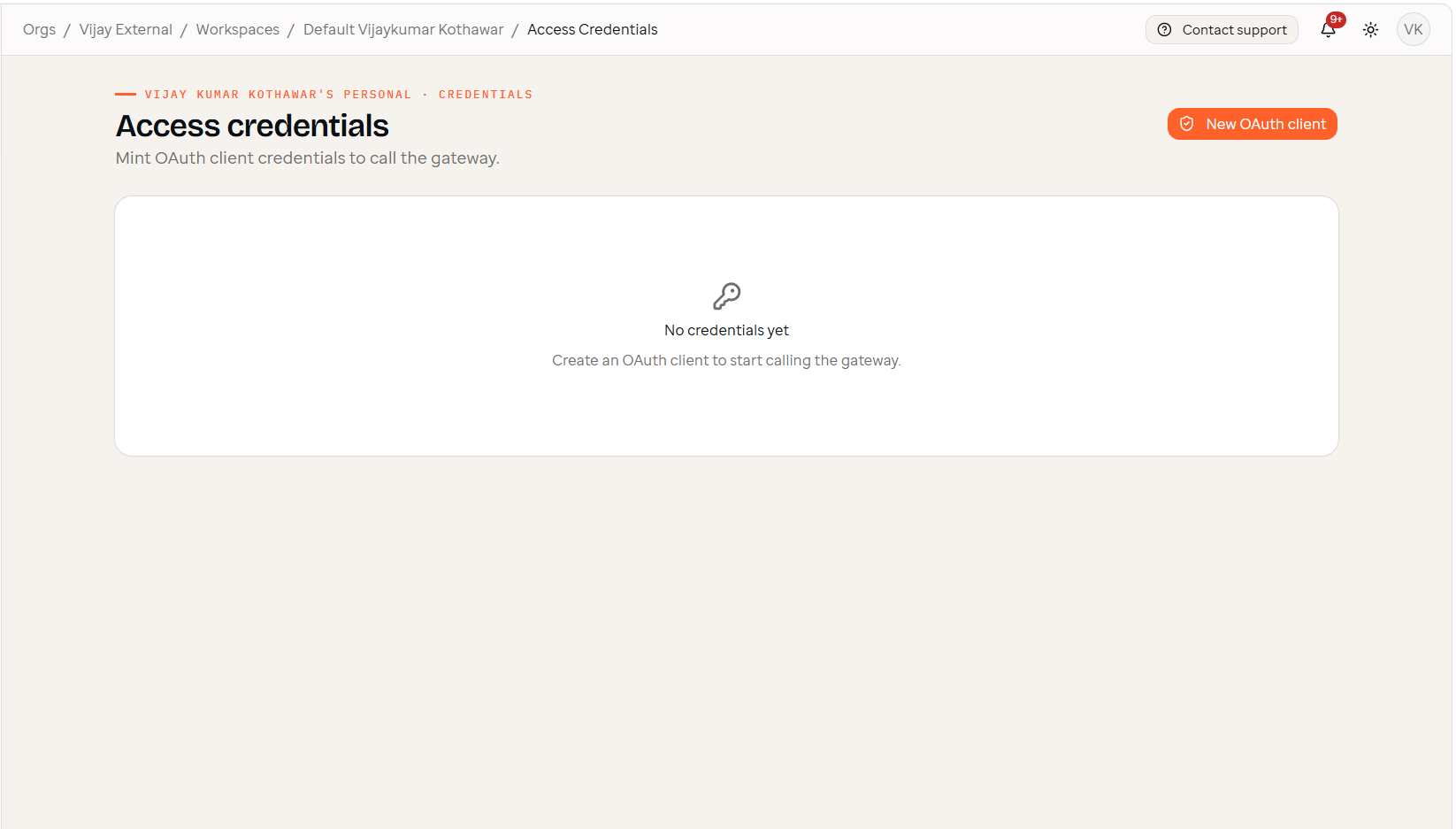
Open Access credentials
In a workspace, open Access credentials. A new workspace has none yet.
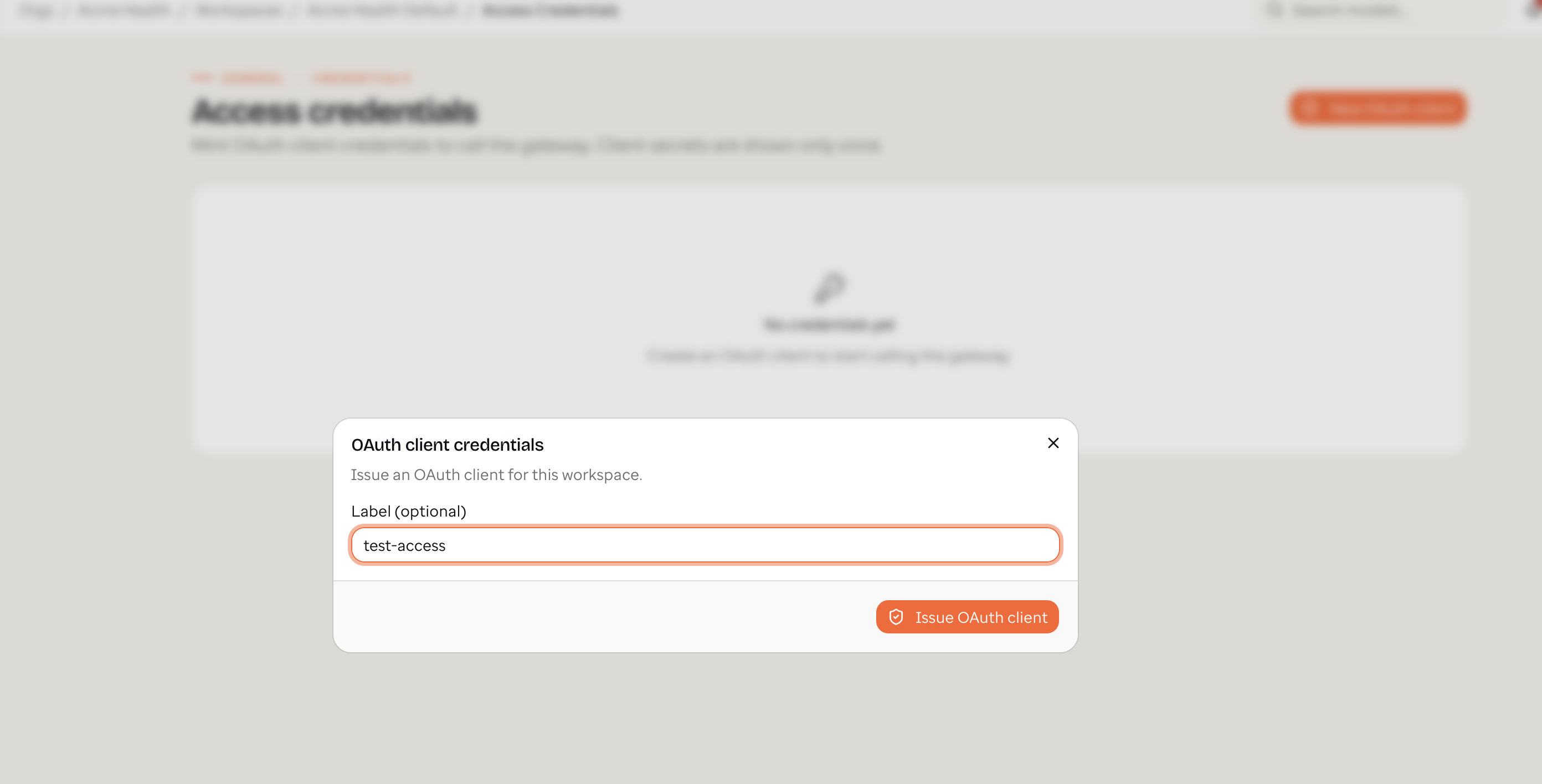
Issue an OAuth client
Click New OAuth client, give it an optional label (e.g. test-access), and
issue it. You need the workspace Admin role.
Save the secret
The console then shows the new client_id and client_secret, plus a
ready-to-run "Get a token" curl command pre-filled with your credentials.
Important: the
client_secretis shown only once. Copy it and store it in a secrets manager immediately. If you lose it, revoke the client and create a new one. Never commit it to source control or paste it into client-side code.
Copy the token command (or just the client id/secret) and click I've saved it. You'll use these in the next step.
Managing credentials
- Each credential can carry an optional monthly spend limit.
- A workspace admin can revoke a credential anytime; revoked clients stop working immediately.
Next, exchange these credentials for a short-lived access token.